Build notes5 sections · 2 min readBy Dezső Mező.mdComfyUISDXLrembgPipeline
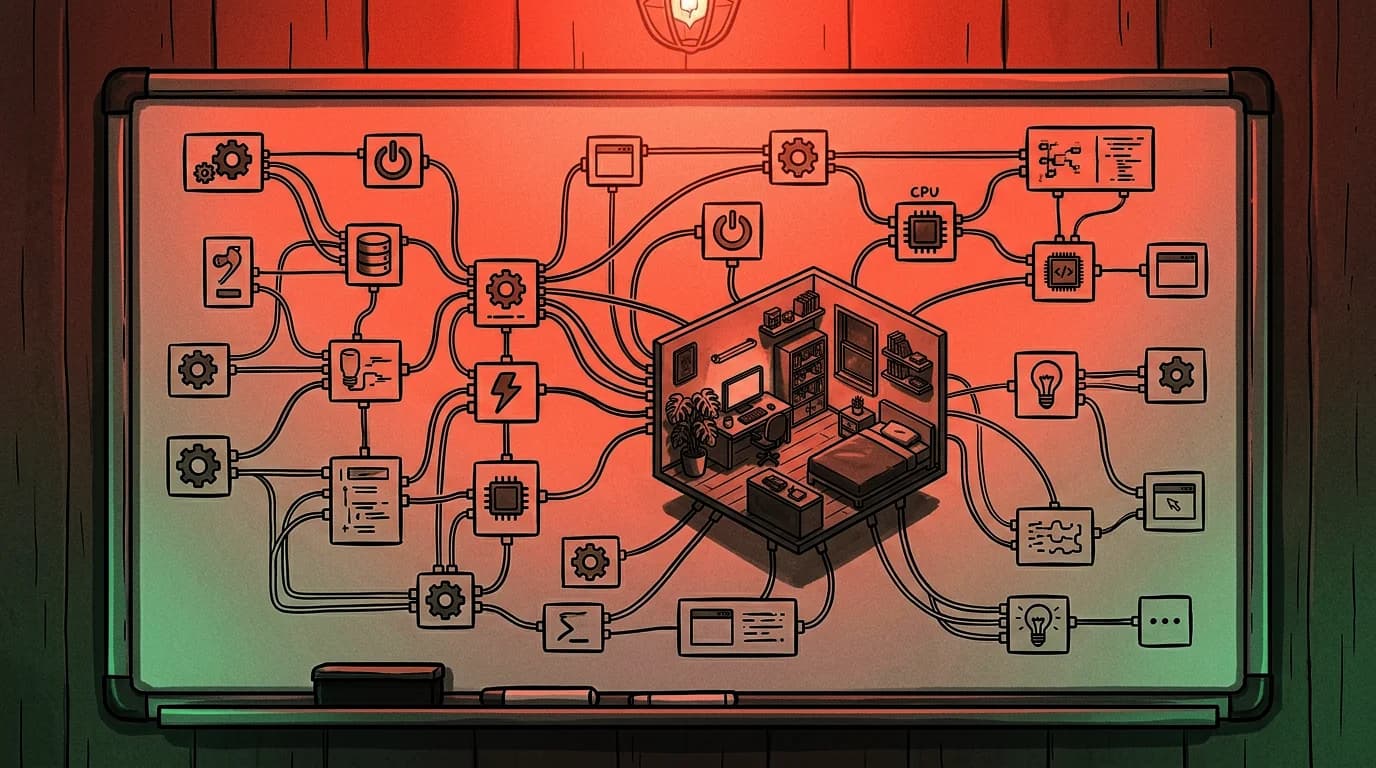
The workshop needs its props on separate layers so they can move at different speeds as the pointer moves. The obvious way to get separate layers is to generate each prop on its own, on a transparent background, and place them. We did that first, and the result never looked like a room.
Every generation invents its own camera. A desk drawn on its own has a different eye level and a different vanishing point from a rack drawn on its own, and no amount of nudging positions fixes two objects that disagree about where the floor is. The props floated.
01Paint the room once
The fix is to stop generating props and start generating one picture. A single 3440×1920 painting of the whole workshop settles the camera, the light and the palette in one decision. Everything after that is cutting, not drawing, so nothing can disagree with anything else.
02Cut by difference, not by selection
To get a prop out of the master we generate a second painting from the same seed and prompt with that prop removed. Subtracting the two leaves the prop. A raw pixel difference is too noisy on painted texture, so both images are high-pass filtered first and the difference is taken on the filtered pair, which responds to edges rather than to broad tonal drift.
03Two masks, both wrong in different ways
The difference mask finds the prop but bleeds into its shadow. A background remover finds the object but eats interior greys it mistakes for background. Intersecting the two keeps what both agree on. The remover also needs a border-connected flood fill rather than a colour threshold, or it deletes the grey clipboard in the middle of a grey prop.
04The hole left behind
The background layer is the master with each prop's hole filled from the plate, dilated a few pixels and blurred at the seam. That keeps every glow and every cast shadow the model painted, which is the part that makes the composite read as one room rather than as a collage.
05Ship it as WebP
Thirteen cut props as PNG came to 5.4 MB, most of what a phone waits for behind the loading screen. WebP at quality 90 stores the alpha channel losslessly and measures under 2/255 of mean error on this painted artwork, for about a ninth of the bytes.
What to take away
- Generate the whole scene once. Separate generations cannot agree on a camera.
- Cut props by differencing two renders of the same seed, not by masking one.
- Intersect a difference mask with a background remover; each is wrong on its own.
- Fill the hole from the plate so the master's light and shadows survive the cut.
More from the lab
Browse all entries What custom software actually costs
 Custom software or off the shelf — the honest test
 Self-hosted n8n or Zapier — where the bill actually differs
 The first ninety days of a retainer, as it actually goes
Want this looked at on your own system?Start a conversation